Website Preview
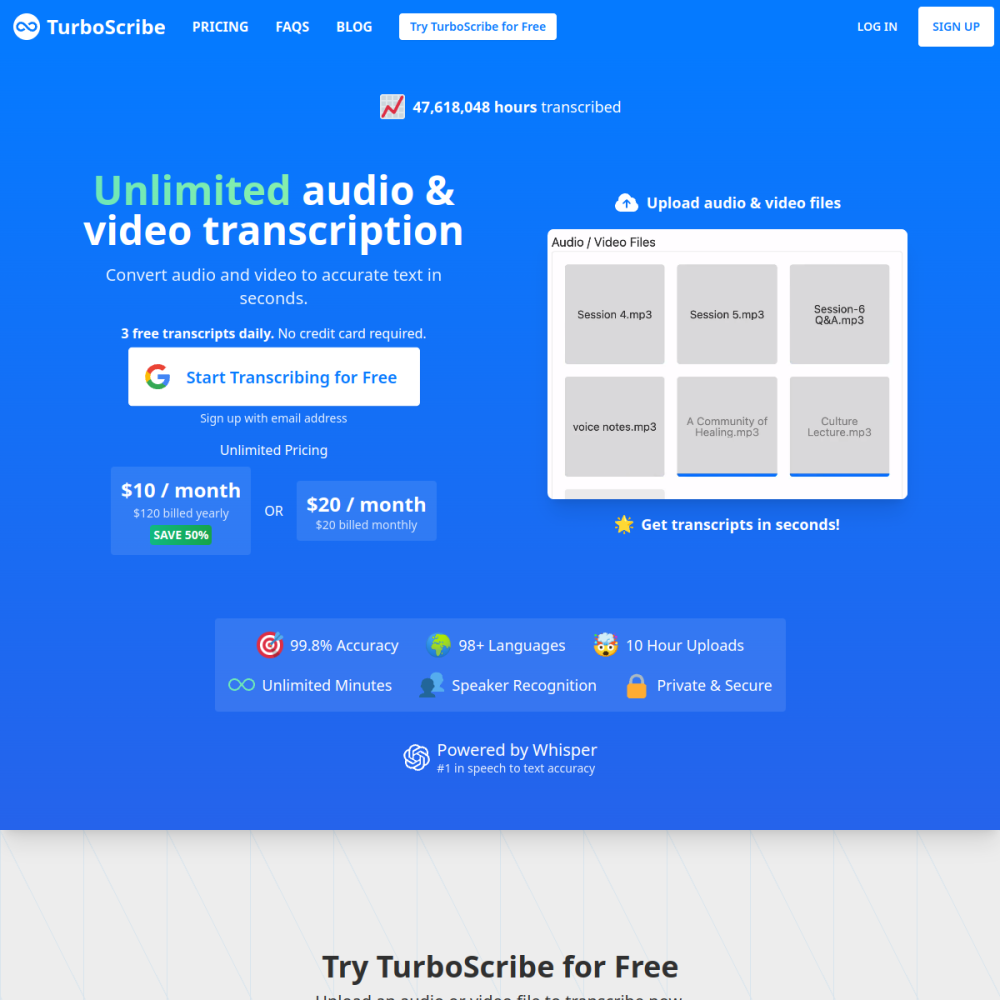
Tool Guide
TurboScribe is a specialized platform designed to transform audio and video recordings into written text. By leveraging artificial intelligence, the tool aims to streamline the process of creating transcripts for various media types.
Professionals seeking efficient documentation methods can utilize this service to capture spoken content accurately. It serves as a digital assistant for anyone needing to convert spoken words into readable formats without manual typing.
TurboScribe functions as a dedicated transcription service focused on audio and video inputs. The platform processes uploaded media files to generate text-based outputs automatically. This eliminates the need for manual listening and typing during the transcription phase.
The tool operates online, allowing users to access their projects from different devices. It is built to handle the technical aspects of speech recognition, providing a clean interface for managing files. Users can expect a workflow centered around uploading media and retrieving text results.
The primary feature of TurboScribe is its ability to transcribe both audio and video files. This dual capability ensures versatility across different media formats commonly used in business and creative settings. The system processes the input to produce a corresponding text document.
Users can manage their transcription projects through a web-based interface. The tool focuses on delivering the text output efficiently, supporting the core need for converting speech to text. It simplifies the documentation process for recorded content.
This tool is suitable for professionals who regularly deal with recorded media. Journalists, researchers, and content creators may find value in automating the transcription of interviews or footage. It reduces the time spent on manual data entry for spoken content.
Business teams can also utilize TurboScribe for meeting records and conference calls. Anyone needing a reliable way to archive spoken information can benefit from this service. It targets users who prioritize speed and accessibility in their documentation workflow.
Common applications include transcribing podcast episodes for show notes or accessibility purposes. Media producers can use the generated text to create subtitles or scripts for video content. This helps in repurposing audio material for different platforms.
Corporate environments often use the tool for meeting minutes and training session recordings. Legal or administrative staff might rely on it to document proceedings accurately. The versatility allows for use in educational settings as well, such as transcribing lectures.
To begin using TurboScribe, users visit the official website and create an account. Once logged in, the interface allows for uploading audio or video files directly. Following the on-screen instructions ensures the file is processed correctly.
For best results, ensure the uploaded media has clear audio quality. Background noise can sometimes affect the clarity of the generated text. Reviewing the output after processing is recommended to verify accuracy before final use.
The tool supports both audio and video files for transcription purposes.
Pricing details are not specified in the provided information, so users should check the official website.
The tool generates text outputs that users can review and manage through the platform interface.