Website Preview
Tool Guide
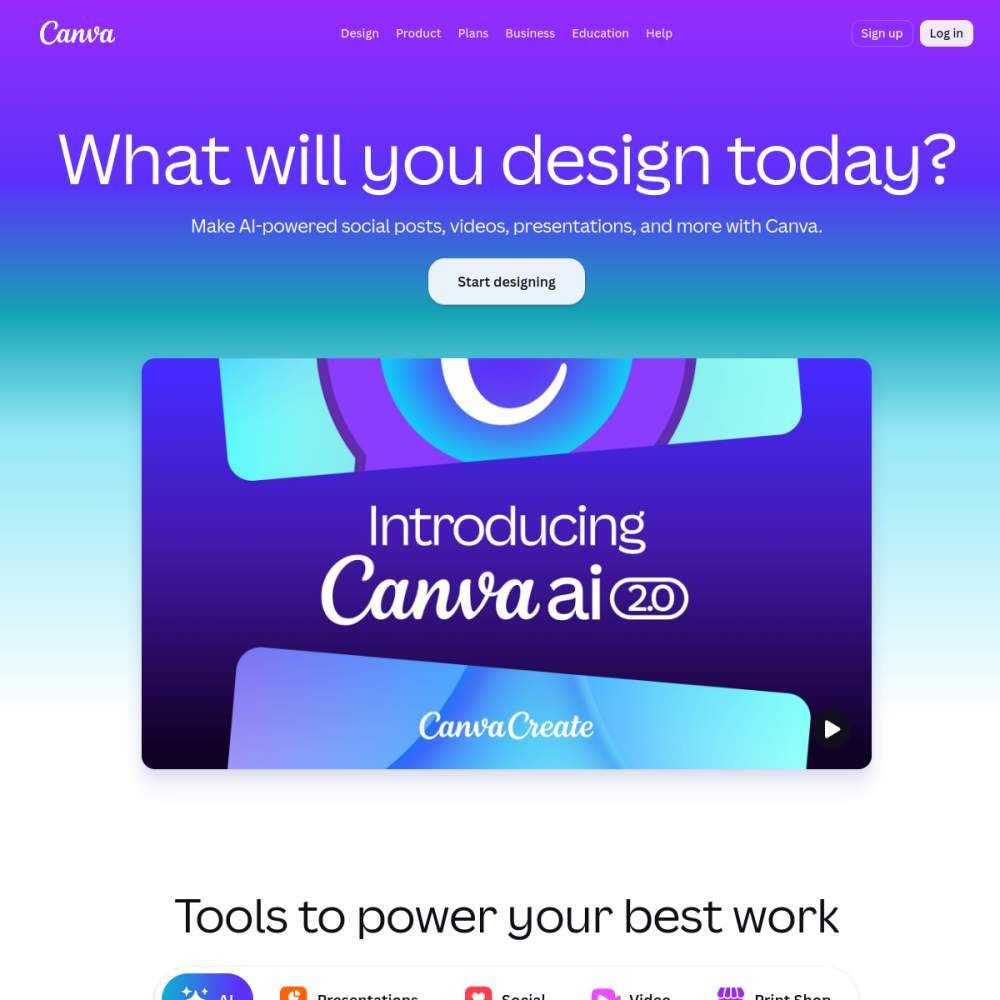
Canva is an all-in-one design platform that integrates AI-powered templates into a cohesive workspace. It enables users to generate visual content efficiently without requiring specialized software or advanced technical knowledge. The service is built to simplify the creation process for various digital and print assets.
This tool prioritizes accessibility, allowing individuals and organizations to produce professional materials quickly. By leveraging pre-made designs and automated features, users can focus on content rather than complex layout mechanics. The platform serves as a central hub for managing visual communication needs.
Canva functions as a comprehensive design environment available online. It combines standard editing tools with a library of AI-generated templates to accelerate production. The system is designed to handle multiple file types and design formats within a single interface.
Users interact with a drag-and-drop editor that simplifies complex design tasks. The platform emphasizes ease of use, ensuring that the learning curve remains minimal for new adopters. It operates as a cloud-based solution, allowing access from various devices without heavy installation requirements.
The core value proposition lies in its ability to merge creativity with convenience. Instead of starting from a blank canvas, users can modify existing structures to fit their specific brand or project requirements. This approach reduces the time needed to finalize visual assets.
The primary feature set includes a vast collection of AI templates tailored for different industries and purposes. These templates provide a starting point that users can customize with their own text, images, and colors. The AI assistance helps suggest layouts that align with current design trends.
Another significant capability is the all-in-one nature of the workspace. Users can create presentations, social media posts, and documents without switching between different applications. This consolidation streamlines workflow and reduces friction during the creative process.
Editing tools are integrated directly into the template system. Users can adjust typography, spacing, and imagery with simple controls. The interface is intuitive, requiring no prior training to manipulate basic design elements effectively.
Canva is particularly suited for individuals without formal design training. Students, hobbyists, and small business owners often use the platform to create materials that look professional. It removes the barrier of entry associated with complex graphic design software.
Teams and organizations also benefit from the collaborative features inherent in the platform. Marketing departments can maintain brand consistency across various outputs using shared templates and assets. The tool supports group projects where multiple users contribute to a single design file.
Educators and content creators find the platform useful for producing engaging visual aids. Whether for classroom presentations or social media channels, the tool adapts to diverse content needs. It serves anyone looking to communicate visually without hiring external designers.
Social media graphics represent one of the most frequent applications for the platform. Users can design posts, stories, and banners optimized for various online networks. The templates are often sized correctly for specific social channels to ensure proper display.
Business documents and presentations are another common use case. Companies utilize the tool to create pitch decks, reports, and internal communications. The structured templates help organize information clearly for audiences.
Marketing materials such as flyers, brochures, and logos are also produced using this system. Small businesses leverage these capabilities to establish a visual identity without significant investment. The versatility allows for both digital and print-ready outputs.
To begin using Canva, users typically visit the website and create an account. Once logged in, the dashboard provides access to the template library. Searching for specific design types helps narrow down options quickly.
Customization is the next step after selecting a template. Users should replace placeholder text with their own content and adjust colors to match their brand. It is advisable to keep designs simple to maintain readability and visual appeal.
Finally, users can export their work in various formats suitable for their intended use. Download options allow for high-quality images or documents ready for sharing. Regularly saving progress ensures that work is not lost during the editing session.
Canva is an all-in-one design platform featuring AI templates for creating various visual assets.
No, the platform is designed for users without prior design experience or technical skills.
You can access Canva through its website at https://www.canva.com/ to start creating designs.