Website Preview
Tool Guide
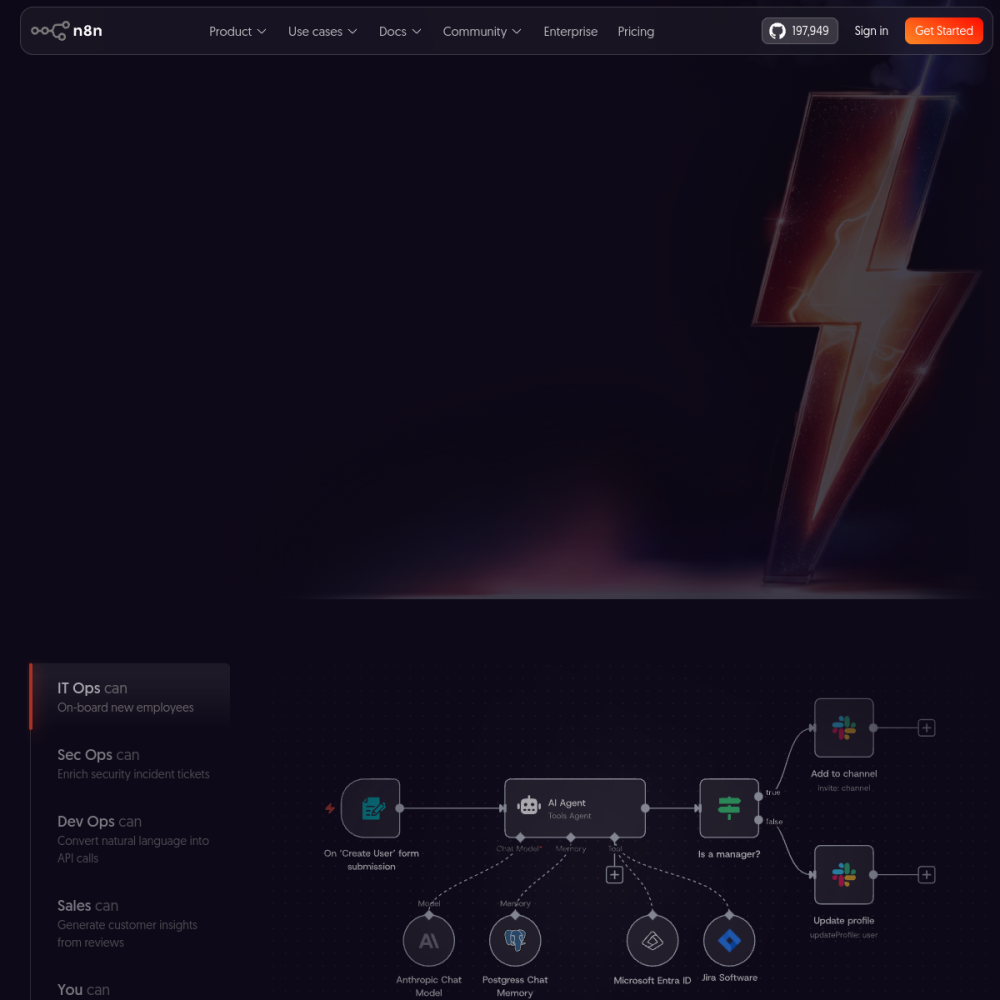
n8n is an open-source platform designed for building AI-driven workflows without extensive coding knowledge. It allows users to connect various applications and services through a visual interface, streamlining complex automation tasks across different systems. This approach reduces the barrier to entry for creating sophisticated automation pipelines.
This tool caters to developers and technical teams seeking flexibility in their automation infrastructure. By offering a low-code environment, it reduces development time while maintaining strict control over data and processes. Organizations can deploy it to handle repetitive tasks efficiently.
n8n functions as a workflow automation tool that emphasizes open-source principles and community contributions. Users can deploy it self-hosted or use cloud options to manage integrations securely.
The platform focuses on connecting different software services to create automated pipelines that run reliably. It supports various triggers and actions to handle data movement efficiently between disparate systems.
The visual editor allows users to design workflows by connecting nodes representing different tasks within the interface. This drag-and-drop interface simplifies the logic behind complex automation sequences for technical users.
Extensive integration capabilities enable connections with numerous third-party services and APIs. Users can also write custom JavaScript code within nodes for specific logic requirements that standard tools cannot handle.
Developers looking for customizable automation solutions benefit significantly from the open-source nature of the platform. It provides the flexibility needed for complex technical implementations without vendor lock-in.
Technical teams managing multiple software tools can use n8n to synchronize data and operations across their stack. It suits organizations prioritizing data privacy and control over their automation infrastructure.
Teams often use n8n to automate data synchronization between different applications and databases. This ensures information remains consistent across various platforms without manual entry or errors.
Another frequent application involves triggering actions based on specific events within a system. For example, sending notifications or updating records when new data arrives in a connected service.
Users can begin by installing the platform or accessing the cloud version to explore the interface. Experimenting with pre-built templates helps understand the node structure quickly without starting from scratch.
Start with simple workflows before moving to complex logic involving multiple conditions. Testing each connection thoroughly ensures reliability before deploying automations to a production environment.
n8n offers an open-source version that can be self-hosted, alongside cloud-based options for managed services depending on your needs.
While it is low-code, some familiarity with JavaScript helps when configuring custom logic within workflow nodes for advanced tasks.
Yes, the platform supports connections to various AI services and APIs to incorporate intelligent automation into workflows effectively.