Website Preview
Tool Guide
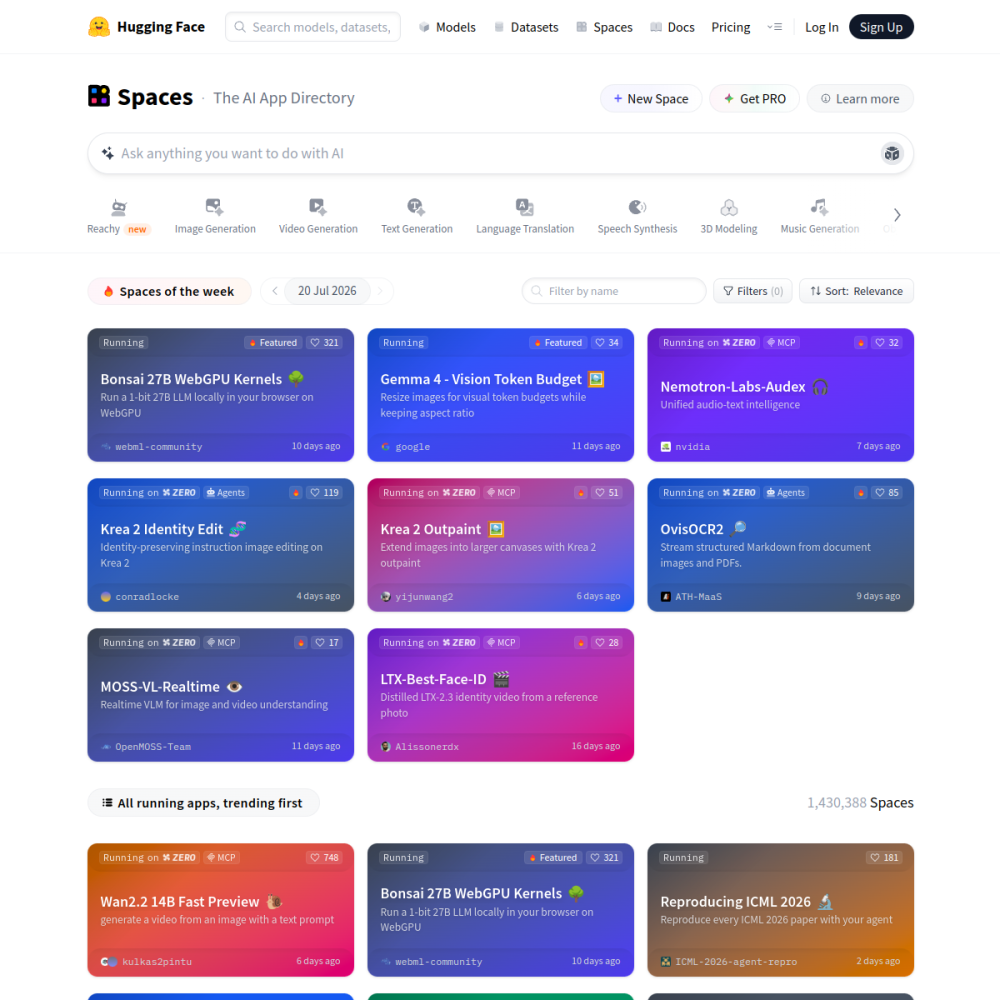
Hugging Face Spaces provides a straightforward environment for developers to deploy machine learning applications without managing infrastructure. It integrates directly with the Hugging Face ecosystem, allowing users to turn code into live demos quickly.
Whether showcasing a new model or building a prototype, this platform simplifies the sharing process. Users can select from various software stacks to match their project requirements and audience needs.
Hugging Face Spaces is a hosting service designed specifically for machine learning demos and applications. It allows developers to deploy code directly from repositories without configuring servers or handling complex deployment pipelines.
The platform acts as a bridge between model development and public interaction. By hosting demos here, creators can share functionality instantly with a global audience while maintaining version control.
Users can choose from multiple software stacks, including Gradio and Streamlit, to build interfaces. The platform supports automatic versioning, ensuring that demo updates are tracked alongside code changes.
Visibility settings allow creators to make spaces public or private. Hardware options are available to support more computationally intensive models, ensuring performance matches the application demands.
Machine learning engineers use this platform to validate models before full production deployment. Researchers benefit from the ability to share reproducible demos alongside their papers or findings.
Hobbyists and students also find value in the low barrier to entry. It enables them to experiment with AI tools and share projects without significant technical overhead or financial commitment.
Common applications include showcasing text generation models, image classifiers, and audio processing tools. Developers often use spaces to create interactive tutorials that demonstrate how specific models function in real time.
Teams utilize these demos for internal testing and stakeholder presentations. It serves as a lightweight alternative to building full-scale web applications for initial feedback collection.
To begin, users create a Hugging Face account and select the new space option. They choose a software stack and connect their code repository to initialize the application.
Tips for success include monitoring hardware usage to avoid idle costs. Regularly updating dependencies ensures compatibility and security within the hosted environment. Documentation is also available to help troubleshoot common deployment errors.
Basic hosting is available for free, though advanced hardware and features may require paid plans depending on usage needs.
Yes, users can set visibility settings to private, restricting access to specific individuals or keeping the project internal.
The platform supports Python primarily through supported SDKs, allowing for flexible integration with common machine learning libraries.