Website Preview
Tool Guide
GitHub Copilot is an AI pair programmer developed by GitHub. It acts as an intelligent assistant within your development environment, designed to help write code faster. The service is available through the official GitHub website and integrates seamlessly with existing workflows.
The tool uses machine learning to provide suggestions based on the context of your project. Developers can accept or modify these recommendations to fit their specific needs. This approach allows for a more interactive coding experience compared to traditional autocomplete tools.
GitHub Copilot functions as a real-time coding companion. It analyzes the code you are currently writing to predict what comes next. This reduces the time spent on boilerplate tasks and allows developers to focus on higher-level logic.
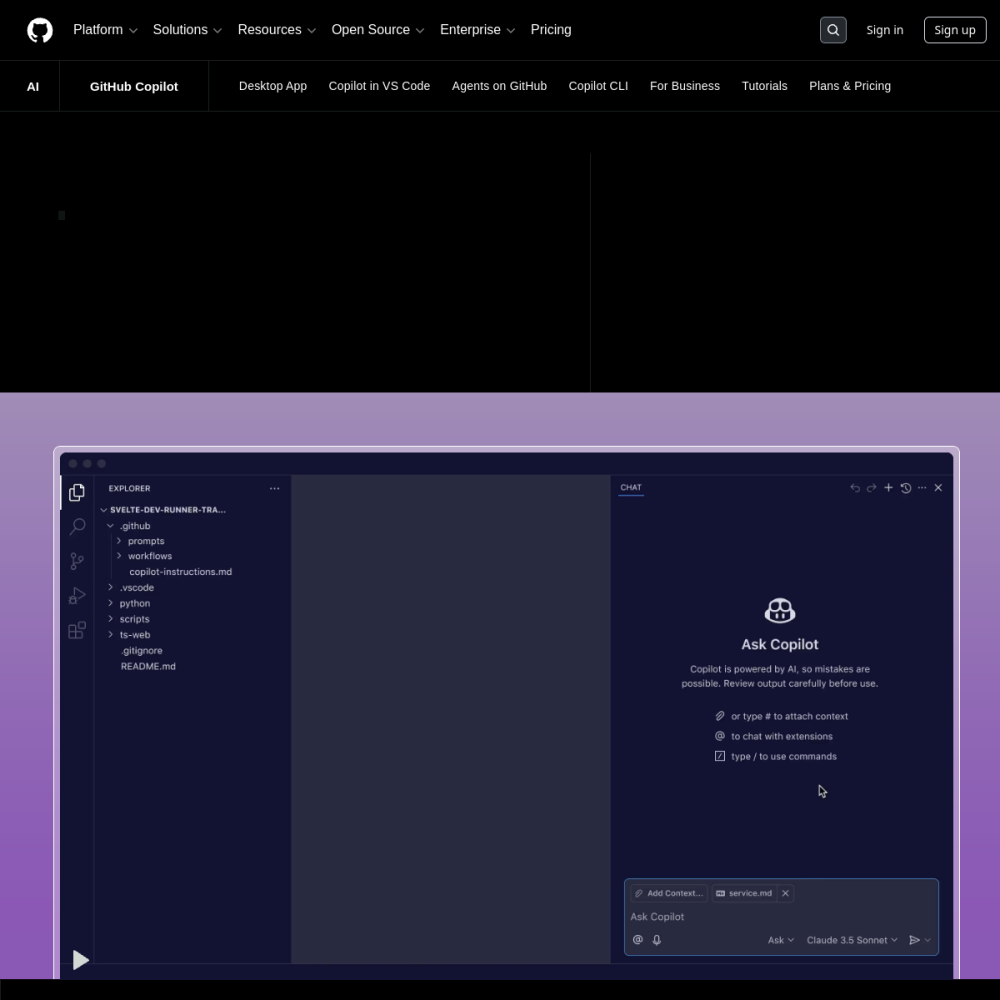
It operates directly within popular integrated development environments. Users do not need to switch contexts frequently to find solutions. The AI understands the surrounding codebase to provide context-aware suggestions that align with your current file structure.
Key capabilities include real-time code suggestions. The system interprets comments and existing code to generate relevant snippets. Users can describe what they want to build in natural language, and the tool will attempt to generate the corresponding syntax.
It supports multiple programming languages and frameworks. This makes it versatile for different types of software projects. Additionally, it can help generate documentation and unit tests, ensuring that code remains maintainable and well-covered over time.
This tool is designed for software developers of all experience levels. Beginners can use it to learn syntax and patterns by observing the suggestions provided. It serves as an educational resource for those new to specific languages.
Experienced engineers use it to accelerate routine tasks. It fits into professional workflows where efficiency matters. Teams looking to standardize code quality may also find value in its suggestions, as it encourages consistent implementation across projects.
Common applications include writing boilerplate code quickly. Developers often use it for setting up class structures or function definitions. This saves significant time during the initial setup phase of any new feature or module.
Another use case is generating unit tests for existing functions. This helps ensure code reliability without manual effort. It also assists in translating logic between different programming languages, which is useful for migration projects or learning new stacks.
To begin using GitHub Copilot, users must install the extension in their preferred IDE. Popular editors like Visual Studio Code support this integration. Ensure your editor is updated to the latest version for compatibility.
After installation, sign in with your GitHub account to activate the service. You may need a subscription depending on your plan. Start by writing comments describing what you want to achieve. The AI will suggest code based on your instructions, which you can then review.
It is an AI pair programmer by GitHub that suggests code within your IDE to assist with development tasks.
It is built for software developers looking to improve coding efficiency, learn new patterns, and streamline their daily workflows.
Install the extension in your IDE, sign in with GitHub, and start typing code or comments to receive suggestions.