Website Preview
Tool Guide
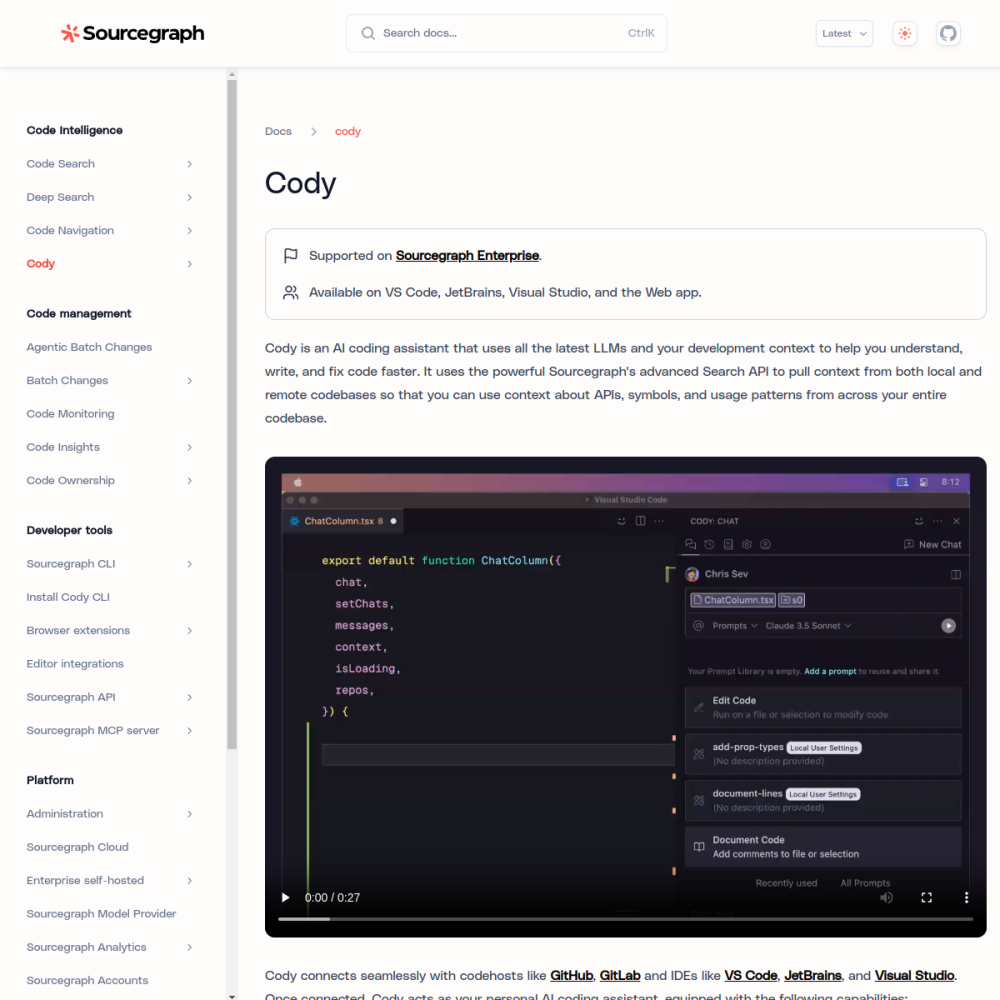
Sourcegraph Cody is an AI coding assistant designed to help developers work more efficiently within their existing projects. Unlike generic chatbots, it focuses on understanding the specific context of your codebase to provide relevant support.
By integrating directly into development workflows, Cody aims to reduce the time spent searching for information or writing boilerplate code. You can access the tool and learn more about its capabilities at https://sourcegraph.com/cody.
Sourcegraph Cody functions as a specialized AI tool built specifically for software engineering tasks. It distinguishes itself by being codebase-aware, meaning it indexes and understands the specific repository you are currently working on. This context allows for more accurate suggestions compared to general tools that lack project-specific knowledge.
The assistant operates directly within the development environment, providing real-time support to users. It serves as a digital companion for navigating complex code structures without requiring developers to leave their preferred editors or interrupt their workflow.
Key capabilities include answering detailed questions about your code and generating new snippets based on existing patterns found in the repository. Because it understands the codebase, it can reference specific functions or files when providing answers to ensure relevance.
Users can interact with the assistant through chat interfaces or inline suggestions depending on their needs. This flexibility supports both exploratory coding tasks and quick debugging sessions within the same environment.
This tool is primarily designed for software developers and engineering teams who write code daily. It benefits individuals who work with large or complex codebases where maintaining context manually is difficult and time-consuming.
It is also suitable for organizations looking to standardize coding assistance across their various projects. Teams can leverage the tool to improve onboarding processes and reduce the learning curve for new members joining the codebase.
Common use cases include explaining complex logic within a file or generating unit tests for existing functions quickly. Developers often use it to understand legacy code that lacks sufficient documentation or comments.
Another frequent application is refactoring code safely within the project structure. By understanding the dependencies within the codebase, the assistant can suggest changes that maintain system integrity and reduce errors.
To begin using Sourcegraph Cody, visit the official website at https://sourcegraph.com/cody. From there, you can explore setup instructions tailored to your specific development environment and operating system.
Once installed, start by asking specific questions about your current file or project structure. Providing clear context in your prompts will yield the most useful results from the assistant during your coding sessions.
It is codebase-aware, meaning it understands your specific repository context rather than relying on general training data alone.
It is built for developers and engineering teams working on software projects who need help navigating or writing code.
You can find information and setup guides at https://sourcegraph.com/cody to begin integrating it into your workflow.