Website Preview
Tool Guide
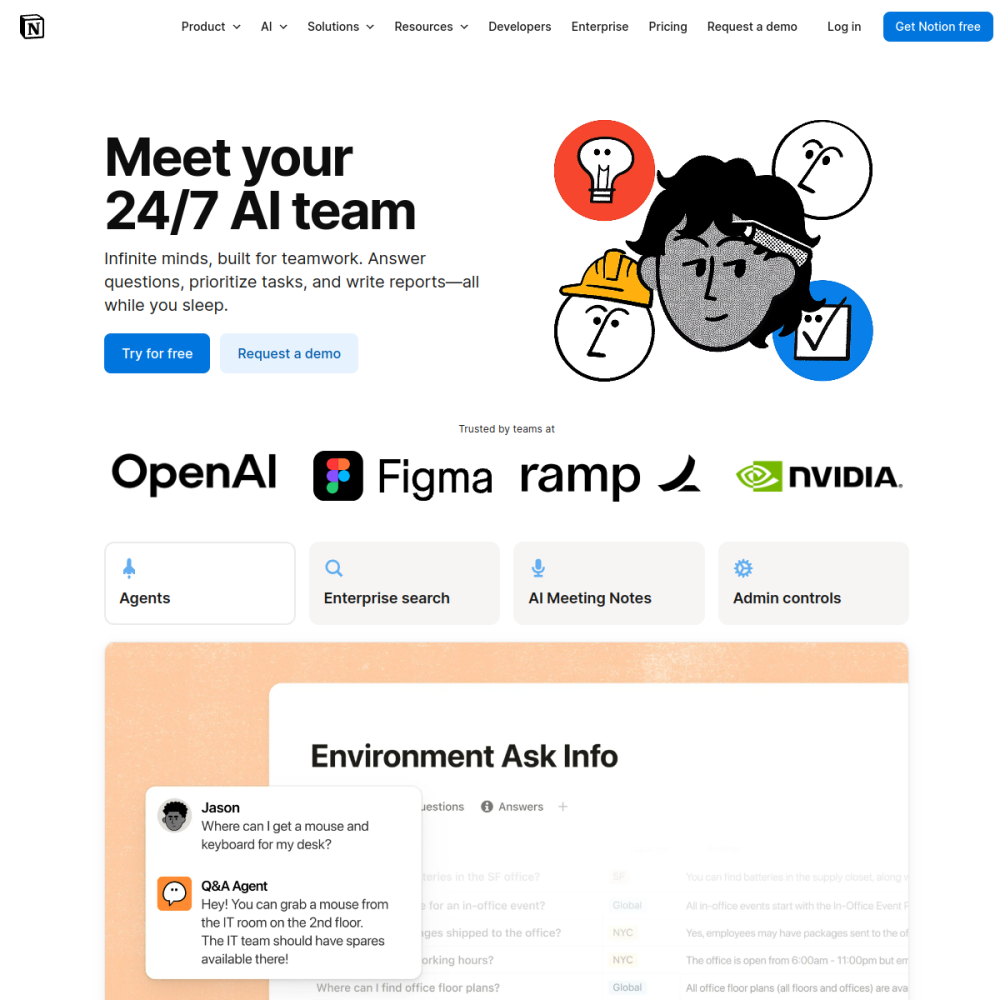
Notion AI brings artificial intelligence capabilities directly into your existing workspace environment. It functions as an integrated layer within documents, notes, and wikis, allowing users to leverage AI without switching contexts or leaving their primary productivity hub.
This guide explores what Notion AI is, who benefits most from its features, and how to begin using it effectively. Whether you manage personal projects or team knowledge bases, understanding this tool helps streamline office workflows and improve documentation efficiency.
Notion AI is an artificial intelligence service designed to operate within the Notion workspace platform. It provides users with AI-powered assistance directly inside their documents, notes, and wikis. Instead of requiring a separate application, the technology embeds itself into the pages where work actually happens.
The tool aims to reduce friction in content creation and information retrieval. By placing AI capabilities where users already spend time, it supports tasks like drafting, summarizing, and organizing information without disrupting established workflows.
The primary features focus on enhancing productivity within the existing Notion structure. Users can utilize AI to generate text, summarize long documents, and translate content within their pages. These functions are accessible through a simple interface that appears alongside standard editing tools.
Additionally, the system supports knowledge management by helping users organize wikis and notes. It can suggest structures or refine existing content, making it easier to maintain accurate and accessible information across a team or individual workspace.
This tool is suitable for individuals who use Notion for personal organization, as well as teams managing shared knowledge bases. It fits professionals looking for AI office tools that integrate seamlessly with their current documentation habits rather than adding new software to learn.
Knowledge managers and project coordinators also find value in the platform. Anyone responsible for maintaining wikis, meeting notes, or project documentation can benefit from the automated assistance provided by the AI layer within their workspace.
Common applications include drafting initial content for reports, meeting notes, or project plans. Users can prompt the AI to expand on bullet points or rewrite sections for clarity. This accelerates the writing process while keeping all data within the secure Notion environment.
Another frequent use case involves summarizing large amounts of text within existing pages. Teams can condense lengthy wiki entries or meeting transcripts into concise summaries. This helps stakeholders quickly grasp key information without reading every detail.
To begin using the service, visit the official Notion website and explore the AI product page. Users typically enable the feature within their workspace settings once they have an account. It is designed to work alongside existing pages without requiring a complete migration of data.
A practical tip for new users is to start with small tasks like summarizing a single document or drafting a short note. Familiarizing yourself with the prompt interface helps maximize the utility of the AI inside docs, notes & wikis before scaling to larger projects.
Notion AI is an artificial intelligence service integrated directly into the Notion workspace, providing assistance inside docs, notes, and wikis.
It is designed for individuals and teams using Notion for organization, knowledge management, and office productivity tasks.
Users access the AI features within their Notion workspace settings and can utilize them directly inside existing documents and pages.