Website Preview
Tool Guide
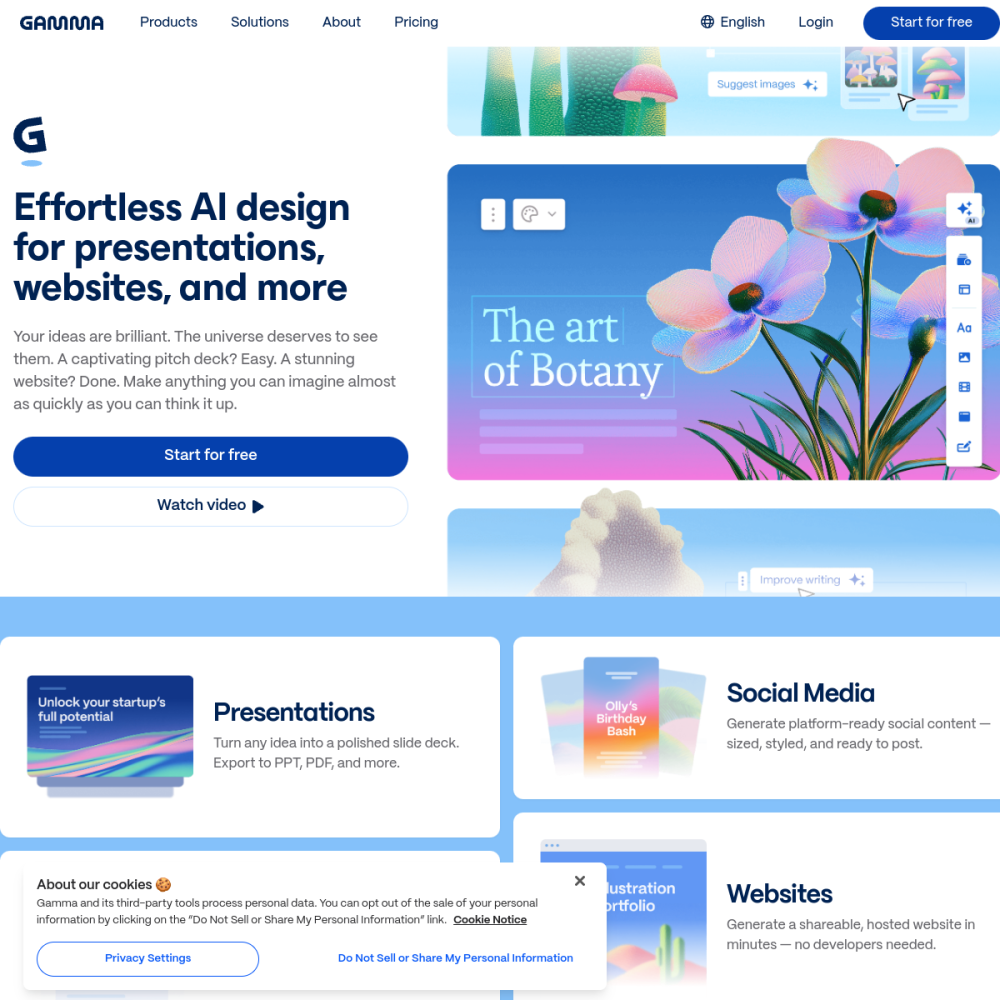
Gamma is an AI presentation and slides generator designed to streamline content creation within the office category. It allows users to build decks rapidly without starting from a blank canvas.
This tool focuses on simplifying the design process while maintaining professional standards. Users can generate structured outlines and visual layouts through simple text prompts. The platform supports various export formats for easy sharing.
Gamma is an AI office tool that automates the creation of presentations. It functions as a slides generator that converts ideas into formatted decks.
The platform handles layout and design adjustments automatically. This reduces the manual effort required for slide formatting and visual consistency. It aims to save time for busy professionals working on tight schedules.
The tool offers AI-driven generation based on user input. It creates outlines and populates slides with relevant content structures.
Users can edit designs and layouts directly within the interface. The system adapts visual elements to fit the text and media provided.
Export options allow for sharing presentations in standard formats. This ensures compatibility with common office workflows.
Gamma is suitable for professionals needing quick slide decks. It serves individuals who require efficient office tools for reporting or pitching.
Educators and business teams can utilize the platform for lesson plans or meeting summaries. The interface is designed for users without advanced design skills. It lowers the barrier to creating polished visual content for any audience.
Teams use Gamma for internal business reports and project updates. The speed of generation helps meet tight deadlines for documentation.
Presenters create pitch decks and training materials using the AI capabilities. It supports various content types required in corporate environments.
Students and researchers may use it for academic presentations. The tool organizes information into a coherent visual format.
Visit the official website to access the platform. Users typically begin by entering a topic or uploading existing notes.
Refine the generated outline before finalizing the slides. Adjusting the tone and structure early improves the final output quality.
Review the design options to match your brand or personal style. Export the finished deck when ready for sharing. Save your work regularly during the editing process to avoid losing progress.
Gamma is used for creating AI presentations and slides for office tasks.
Information on pricing tiers is available on the official website.
Enter your topic into the generator and follow the on-screen prompts to build your presentation.