Website Preview
Tool Guide
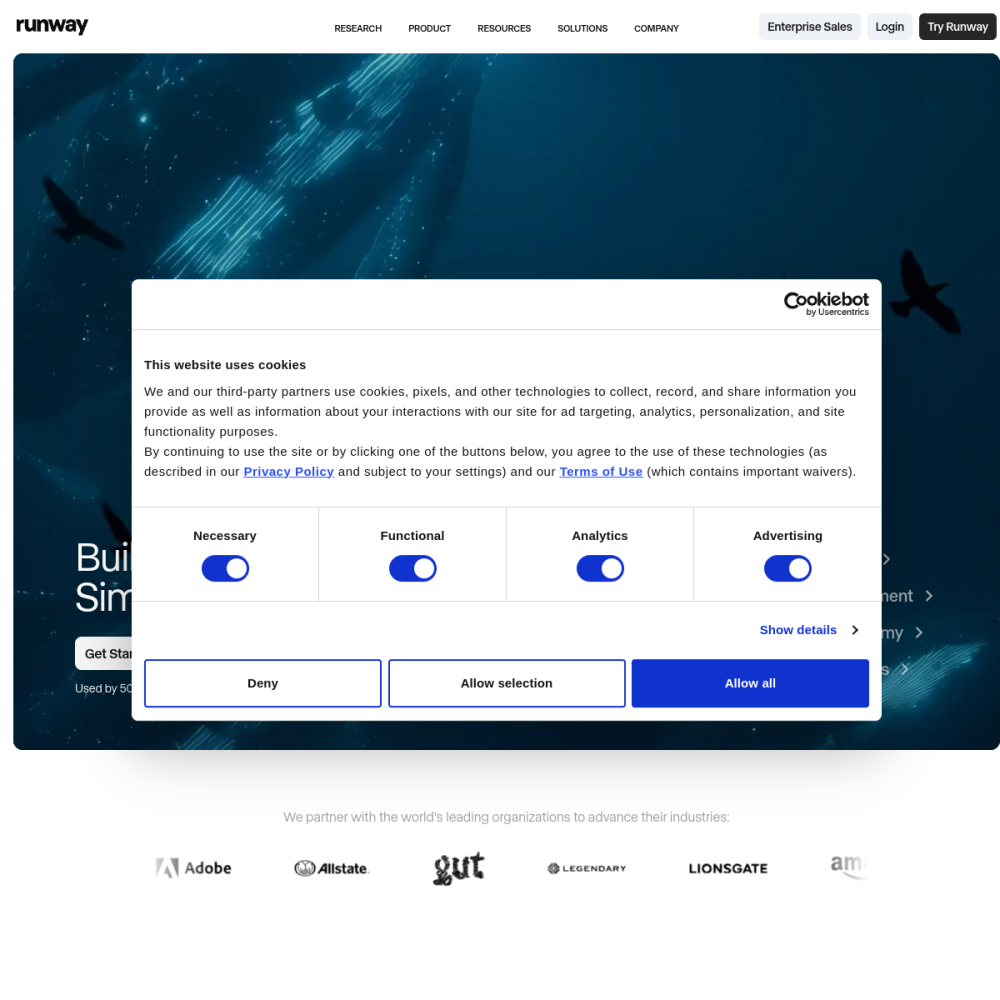
Runway is an AI video generation and editing tool designed to streamline creative workflows. It provides a suite of features aimed at simplifying the production process for digital content creators and professionals alike.
Users can access the platform at https://runwayml.com/ to explore its capabilities. The tool focuses on leveraging artificial intelligence to assist with various stages of video creation and modification efficiently.
Runway functions as a comprehensive platform for video production. It combines generative AI capabilities with traditional editing functions to offer a unified workspace for creators.
The software allows users to create new video content from prompts or modify existing footage using AI-driven tools. This approach reduces the technical barrier for high-quality video production and allows for faster iteration cycles.
By integrating these technologies, Runway aims to make professional-grade video editing more accessible to a broader audience without requiring extensive prior experience in complex software.
The platform offers various tools for generating and editing video clips. These features are designed to handle tasks such as object removal, motion tracking, and style transfer within the interface.
Users can utilize text-to-video capabilities to generate scenes based on written descriptions. This functionality supports rapid prototyping and visual concept development for new projects.
Editing tools within the suite allow for precise adjustments to footage, ensuring that the final output meets specific creative requirements and standards. These features complement the generative capabilities.
Runway is suitable for filmmakers, marketers, and content creators looking to enhance their video production efficiency. It serves both individual artists and larger teams working on visual projects.
Professionals in advertising and media production may find the tool useful for quick iterations and visual effects. The platform supports workflows that require speed and creative flexibility.
Educators and students in media fields can also use the software to learn about modern video production techniques and AI integration in creative processes.
Common applications include creating social media content, short films, and promotional materials. The tool helps users produce engaging visuals without extensive post-production time.
Video editors use Runway for specific tasks like background replacement or enhancing low-resolution footage. These use cases demonstrate the practical utility of AI in editing pipelines.
Concept artists and directors utilize the generation features to visualize scenes before committing to full-scale production resources. This saves time during the pre-production phase.
To begin using Runway, visit the official website at https://runwayml.com/ and create an account. Users should explore the interface to understand the available tools and workflows.
Start with simple projects to familiarize yourself with the generation and editing controls. Experimenting with different prompts helps users understand the capabilities of the AI models and refine their input techniques.
Review available documentation or tutorials to maximize efficiency. Consistent practice with the platform features will lead to better results in video creation and editing tasks.
Runway is an AI video generation and editing tool designed to assist with creative video production workflows.
You can access the platform and learn more about its features by visiting https://runwayml.com/.
The platform is designed to make video production accessible, though familiarity with basic editing concepts helps users navigate the tools effectively.