Website Preview
Tool Guide
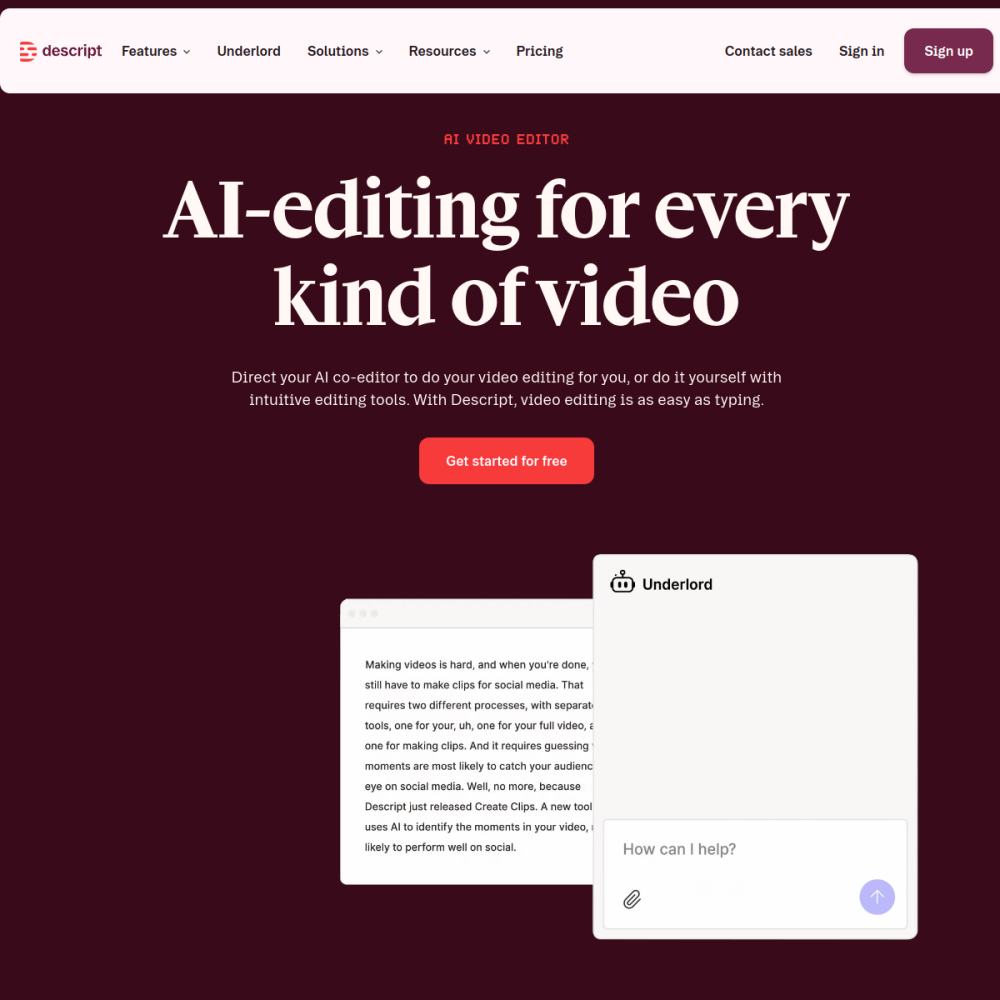
Descript changes how creators approach post-production by treating video files like text documents. Instead of cutting timelines, users edit the transcript to modify the footage directly. This method reduces the technical barrier for high-quality video output.
This approach simplifies workflows for podcasts, tutorials, and social media content. The platform also includes AI-powered overdub capabilities to correct audio mistakes without re-recording. Teams can collaborate on scripts and edits within the same interface.
Descript is an AI video platform designed around text-based editing. The core workflow involves generating a transcript from your media file. When you delete words in the transcript, the corresponding video segments are removed automatically.
This eliminates the need for traditional timeline scrubbing. Users focus on the content rather than the technical mechanics of cutting clips. It streamlines the post-production process significantly.
The primary feature is the text editor interface for video manipulation. Users can adjust pacing by removing filler words or entire sentences. The interface highlights the active video frame as you read through the text.
Additionally, the AI overdub function allows speakers to fix pronunciation errors or missed words by typing corrections that match their voice. This ensures audio consistency without the need for additional recording sessions.
This tool suits content creators who prioritize speed over complex visual effects. Podcasters benefit from easy audio cleanup and transcript editing. They can publish episodes faster by removing mistakes directly from the text.
Marketing teams also use it for quick internal communications and social media clips where turnaround time matters. Educators find it useful for creating instructional videos that require frequent updates without re-filming.
Common applications include editing long-form podcast episodes into shorter clips. Educators use it to create tutorial videos where mistakes can be corrected via text. This saves time during the review process.
Businesses utilize it for training materials that require frequent updates without re-filming. Social media managers also rely on it to repurpose existing content for different platforms efficiently.
To begin, visit https://www.descript.com/ and upload your media file. Allow the system to generate the transcript before making edits. Ensure your audio is clear to maximize transcription accuracy.
For best results, speak clearly during recording to ensure accurate transcription and effective AI overdub matching. Review the generated text carefully before finalizing any cuts to maintain context.
The system transcribes your video into text. Deleting text in the editor removes the corresponding video and audio segments automatically. This mimics the experience of editing a word document.
This feature allows you to type corrections that are spoken in your voice, fixing audio errors without re-recording the entire track. It is useful for fixing minor verbal slips.
Yes, the text-based interface reduces the learning curve associated with traditional non-linear video editing software. Users can start creating immediately without mastering complex timelines.