Website Preview
Tool Guide
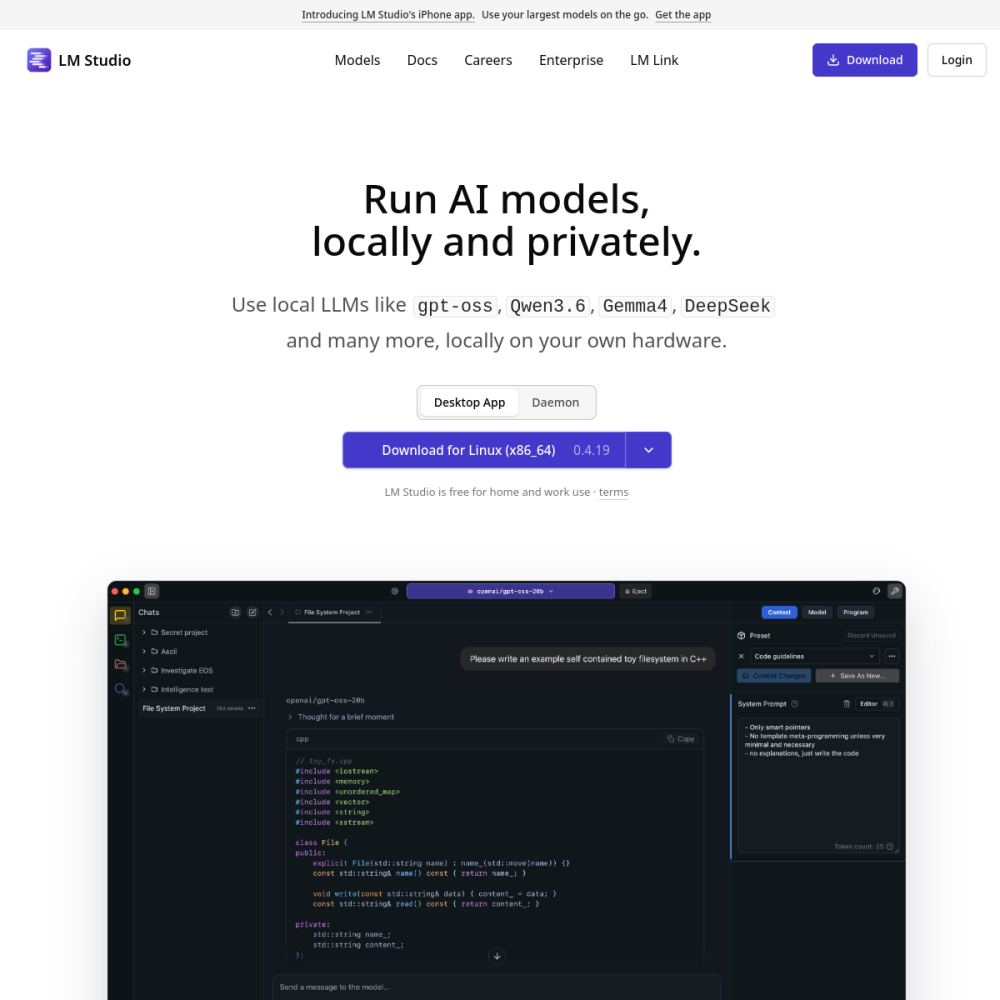
LM Studio serves as a desktop application designed to run local large language models. It allows users to interact with AI without relying on external cloud services or internet connectivity during operation.
This tool focuses on providing a user-friendly interface for downloading and executing models directly on personal hardware. It caters to individuals seeking control over their AI workflows and data privacy.
LM Studio is a software solution categorized under AI Models. It functions as a bridge between users and open-source language models available online.
The platform simplifies the technical process of setting up local environments. Users can search for models, download them, and begin chatting immediately through the application interface.
It operates entirely on the user's machine, ensuring that processing happens locally rather than on remote servers. This architecture supports the tag of local models effectively.
The application includes a built-in search function to find compatible models from public repositories. This eliminates the need for manual file management or complex command-line instructions.
Users can adjust settings related to model performance and memory usage. These controls help optimize the experience based on the specific hardware capabilities of the device.
The interface supports various model formats commonly used in the local AI community, ensuring broad compatibility with available resources.
Developers and technical enthusiasts often use this tool to test models before deployment. It provides a sandbox environment for experimentation without incurring API costs.
Privacy-conscious users benefit from the ability to keep data off external networks. This is ideal for handling sensitive information or proprietary documents.
Educators and students can also utilize the platform to learn about model behavior and parameters in a controlled setting.
One primary use case involves running private chatbots for personal assistance or internal company queries. The local nature ensures conversations remain confidential.
Developers use it to fine-tune their understanding of model outputs before integrating AI into larger software projects.
It is also used for offline work scenarios where internet access is limited or unavailable, allowing continuous AI interaction.
To begin, users must download the application from the official website. Installation follows standard procedures for desktop software on supported operating systems.
Once installed, navigate to the search tab to find a model suitable for your hardware. Smaller models generally run faster on devices with less memory.
Start conversations in the chat interface to test performance. Adjust settings if the response speed is slower than expected.
The tool provides a desktop application for running models, though specific licensing terms should be checked on the official site.
An internet connection is required for downloading models, but running them locally does not require constant connectivity.
Performance depends on the model size and your device's RAM and GPU capabilities. Higher specs yield better results.