Website Preview
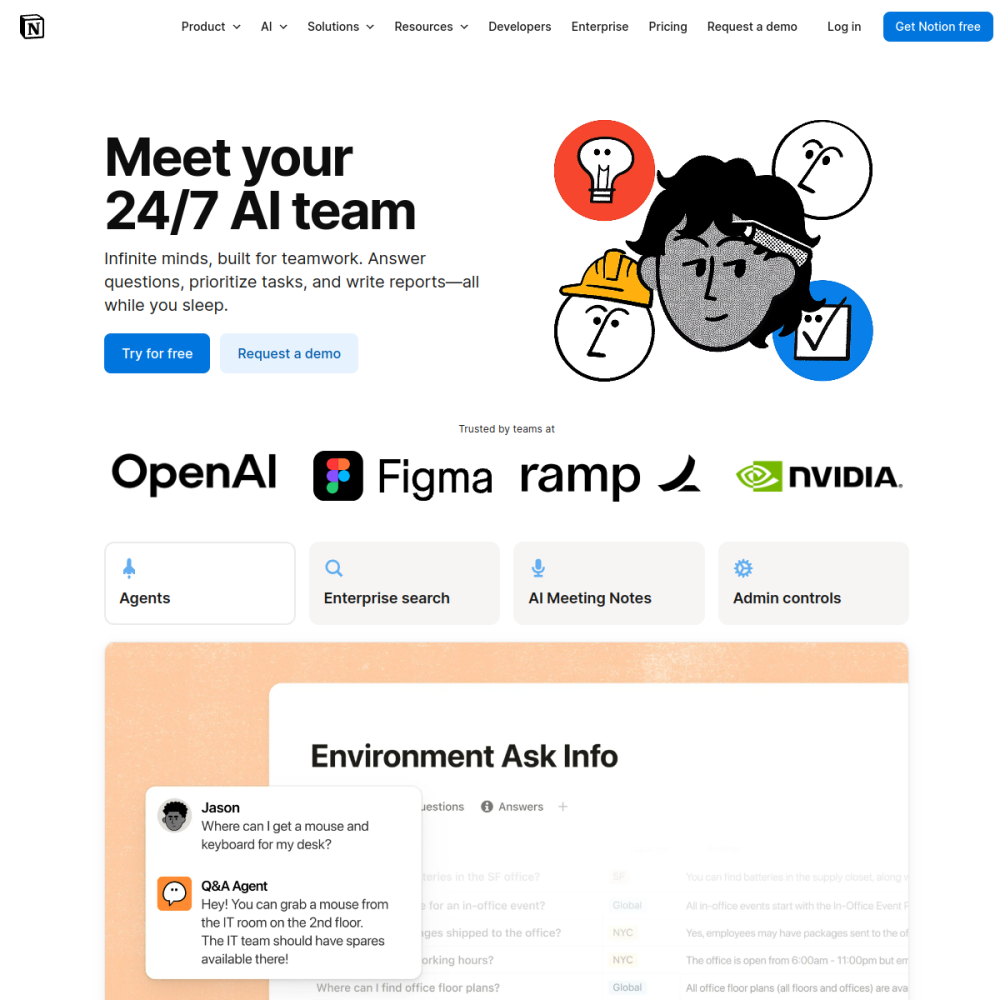
Tool Guide
Notion AI is an AI writing assistant built directly into the Notion workspace. It integrates seamlessly with existing pages, allowing users to generate, edit, and summarize text without leaving their current workflow. This embedded approach ensures that content creation remains organized within a single platform.
By leveraging artificial intelligence, the tool aims to reduce friction during the writing process. Whether drafting meeting notes or brainstorming ideas, users can access AI capabilities instantly through the familiar Notion interface.
Notion AI functions as a native feature within the Notion ecosystem. Rather than requiring a separate application or browser extension, it operates within the same environment where users manage their databases and documents. This integration means that context from your existing pages can inform the AI's output.
The tool is designed to handle various text-based tasks. It supports multiple languages and adapts to the specific structure of your Notion workspace. Users interact with it through a command menu or by selecting text directly on a page.
One primary capability is content generation. Users can prompt the assistant to write drafts, outlines, or bullet points based on short instructions. This helps overcome blank page syndrome and speeds up initial creation phases.
Editing and summarization are also core functions. The assistant can rewrite paragraphs for clarity, change the tone, or condense long documents into key takeaways. These features help refine existing content without manual rewrites.
This tool suits individuals and teams already using Notion for project management or documentation. Students, writers, and knowledge workers benefit from having writing support embedded in their note-taking system. It reduces the need to switch between different software applications.
Organizations looking to standardize documentation processes may also find value here. By keeping AI assistance within the collaborative workspace, teams can maintain consistency in how information is recorded and shared.
Meeting notes represent a frequent use case. Users can paste transcripts or rough notes and ask the AI to summarize action items or key decisions. This saves time during post-meeting review processes.
Content planning is another common application. Writers can use the tool to generate blog outlines or social media captions. It assists in structuring thoughts before the actual writing begins, ensuring a logical flow.
To begin, access the feature through the Notion interface where available. Select the text you wish to modify or place your cursor where new content should appear. Use the command menu to trigger the AI assistant.
For best results, provide clear and specific prompts. Vague instructions often lead to generic outputs. Experiment with different tones and lengths to see how the assistant adapts to your specific needs within the workspace.
It serves as an AI writing assistant built into Notion.
No, it is integrated directly into the Notion workspace.
Visit the official website at https://www.notion.so/product/ai.